We only use cookies to enhance your experience. No cross-site tracking, no ads. Read our Cookie Policy.
Changelog.
New features, improvements, and fixes from the Supercut team.
26 August 2026
Captions in mobile fullscreen.
On iPhone and Android, captions used to vanish the moment you went fullscreen. They now stay on in the native player.
26 August 2026
Manage seats and billing in one place.
Self-serve workspaces can now change seats and billing interval without leaving Supercut. One modal, one confirm — more seats, fewer seats, monthly or yearly.
- Add seats, Manage seats, and Upgrade to yearly on Plan & Billing all open the same modal.
- Price updates before you confirm. Cancellation still goes to the Stripe portal.
25 August 2026
Search recordings from MCP and the API.
Agents can now search your library by what a recording is about, not just a title match. list-recordings still lists and filters. The new search-recordings tool (and GET /platform/v1/recordings/search) runs keyword + meaning search over titles and AI summaries.
- Find a video from a description, or from something said in it.
- Same visibility rules as the rest of the platform API.
- Platform API docs
16 August 2026
macOS recorder v1.0.893 – 1.0.894
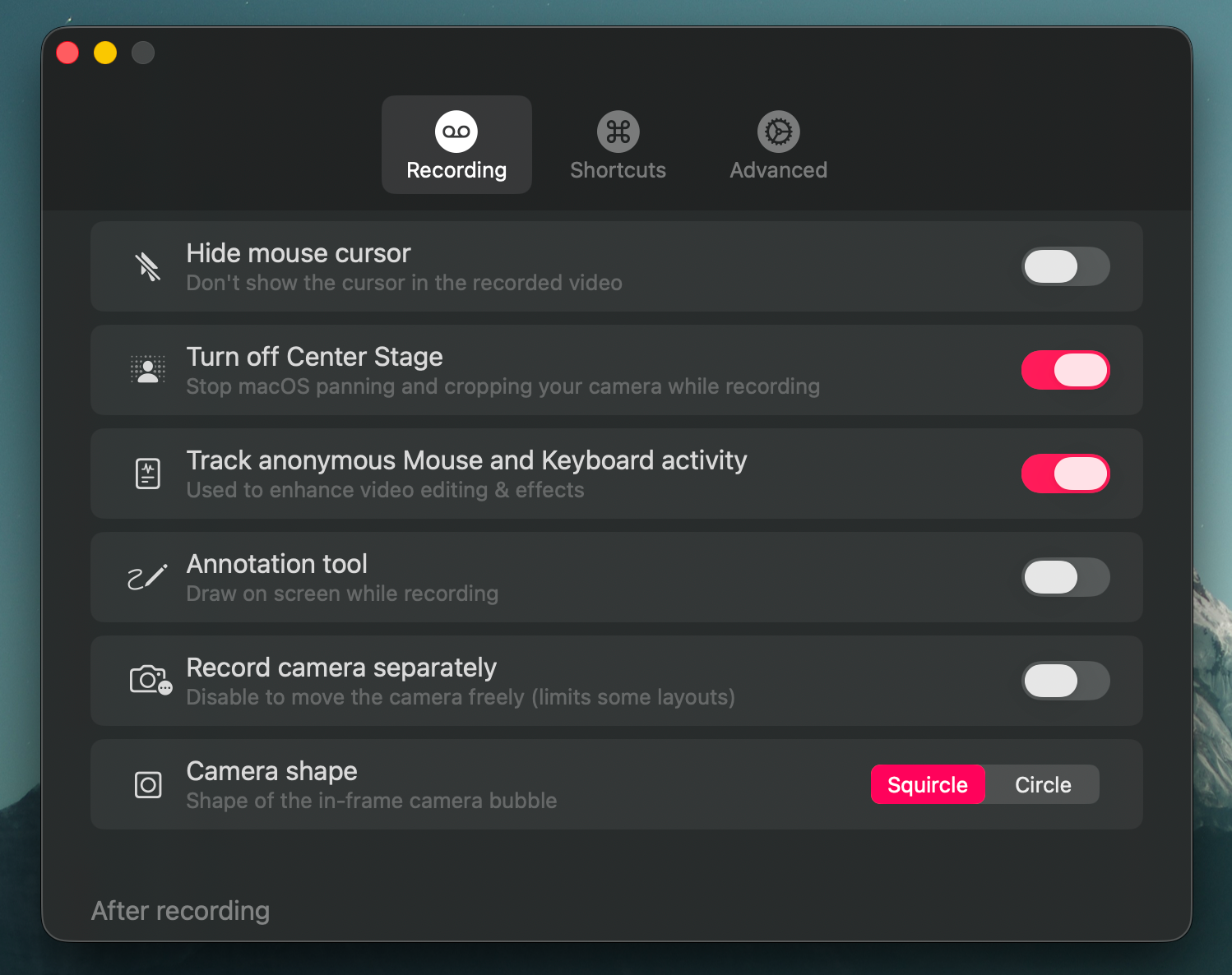
- Camera burn-in, record the camera composited directly into the screen video as an in-frame bubble, with a compact auto-hiding controls.
- Hide mouse cursor setting for recordings.
- Improved recording handling and start-up.
- Improved failure reporting.
- Various bug fixes and recording hardening.
- Unplugging the camera mid-recording now stops the take. It used to alert but keep recording, leaving you with footage that had no camera in it.
- Swapping the mic mid-recording no longer distorts the audio recorded after the switch.
- No more mic-disconnect popup when you aren't recording (AirPods sleeping, undocking, unplugging a USB mic).
- Drawing an annotation shifted the colour tone of the entire frame for as long as the ink was on screen, baked into the recording.
- Improved uploading and bug fixes for edge cases.
10 August 2026
Workspace vocabulary for more accurate transcripts.
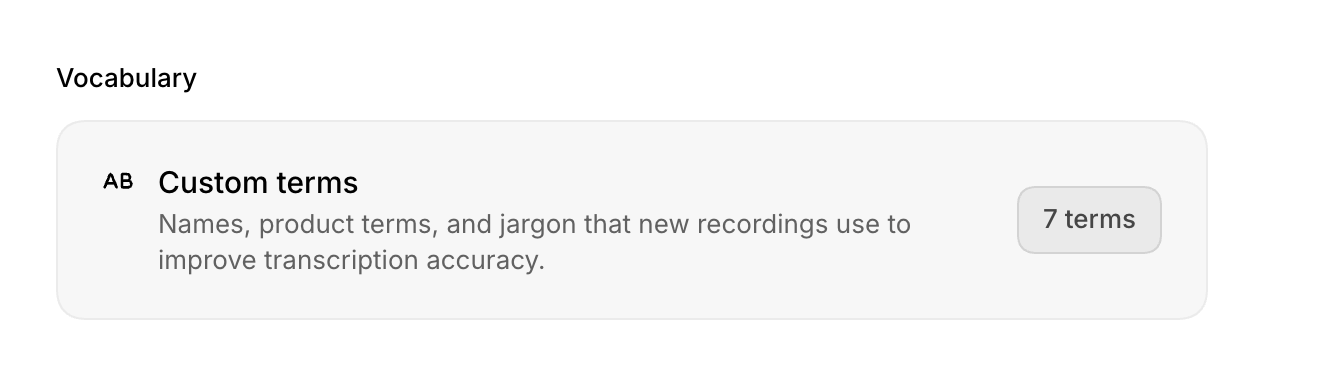
Add names, product terms, acronyms, and company jargon in Workspace settings → General → Vocabulary. Supercut will use them to improve transcription accuracy on new recordings.
- Add up to 50 custom terms for your workspace.
- Terms are used across Supercut’s transcription pipeline.
- Workspace admins can update the list; everyone benefits from clearer transcripts.
25 July 2026
Adjustable sidebar in Theater mode.
21 July 2026
New workspace UI updates.
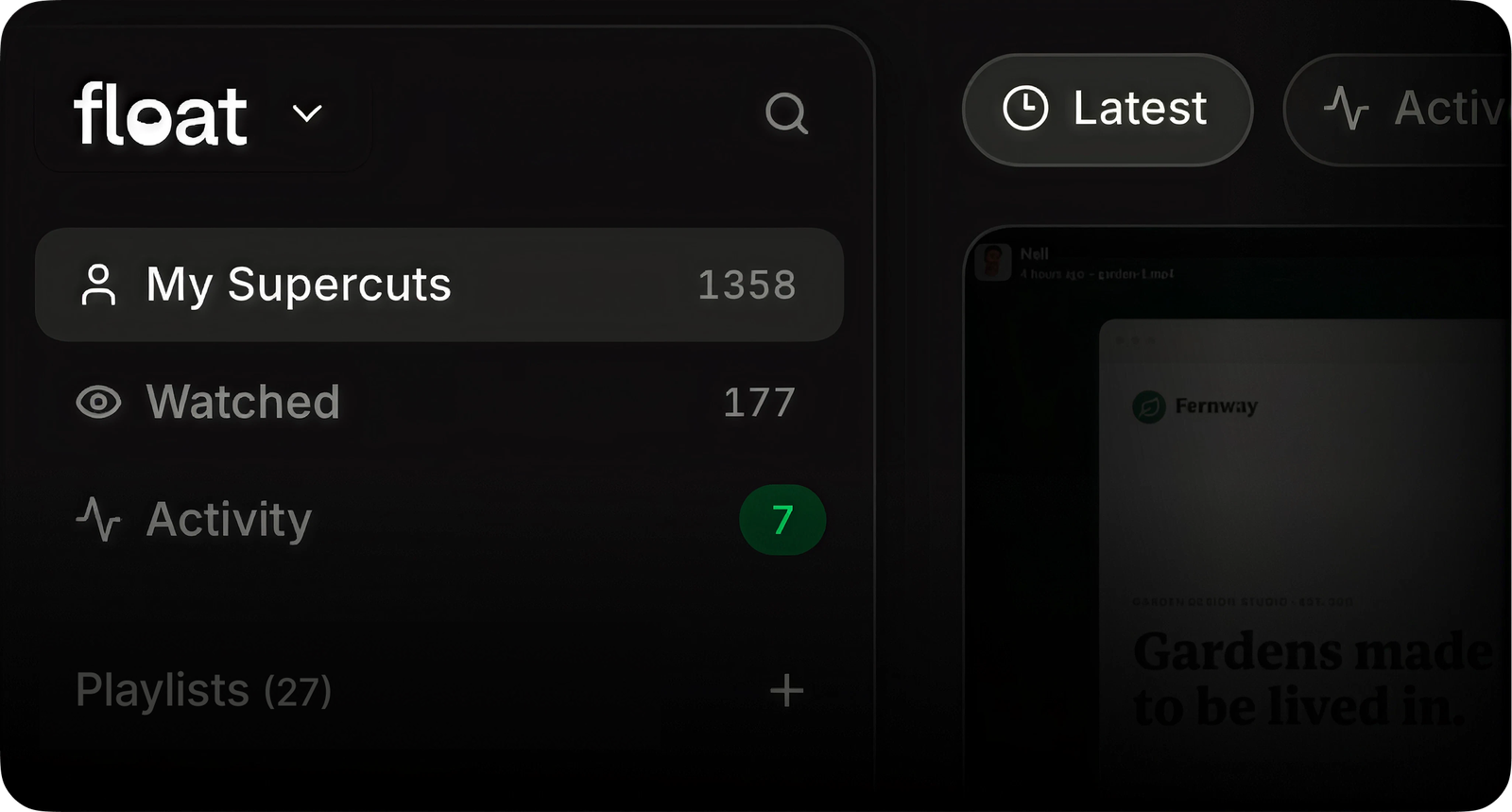
We’re gradually rolling out design updates across the web app, starting today with workspaces.
- New improved design system rolled out on main workspace views.
- Activity feed is now a first-class citizen.
- “Stacks” are now called “Playlists” and live in the new sidebar.
- The user menu has moved from the sidebar to the top right.
- +++ dozens of small quality of life improvements.
ツEnjoy
10 July 2026
A faster editor.
We rebuilt the Supercut Editor’s playback engine from the ground up. Scrubbing, previewing, and playback are now noticeably smoother — especially on longer videos and heavier timelines.
Also in this release:
- Timeline zoom now stays anchored to your playhead instead of jumping
- Clearer timeline markers
8 July 2026
One-click sign-in for Supercut MCP.
Connecting Supercut to your AI tools no longer means copying API tokens around. Sign in with OAuth — click connect, approve, done.
- OAuth sign-in for Claude Code, Cursor, VS Code, Codex, Opencode, and any other MCP client
- Agents can now write, not just read — add recordings to a stack directly from your AI tool
- Every tool now declares what it does, so your agent knows what’s safe to call without asking
15 June 2026
Workspace-wide link expiry.
Following on from per-video expiry: admins can now set a default expiry for every public link created in the workspace, so sensitive videos don’t stay open by accident. Individual videos can still be adjusted on top of it.
Also for Enterprise: default sharing permissions are now workspace-controlled.
5 June 2026
Set expiry date on public videos.
We’ve added the ability for users to set an expiry date on the “Anyone with link” permissions on videos.
5 June 2026
macOS recorder v1.0.892
Audio
- Updated mono / stereo handling for Pro mics
Memory & long recordings (big performance update)
- Improved memory while recording — fixed apple related observer bugs
- Database tuned for long sessions
Auth & sign-in reliability
- Improved auth flow
- Widget shows a clear auth warning
Recording stability
- Fixed a desynced upload counter that could wedge uploads until an app restart
- Camera/audio re-attach properly on subsequent recordings in camera-only mode
- Audio meter no longer leaks helpers when metering is cancelled
Stability & updates
- Improved update handling
- Recordings auto-stop cleanly if your Mac goes to sleep
- More reliable global hotkeys
- Recording auto-pauses (with options shown) if your microphone disconnects mid-recording
- Multi-display setups work reliably even with duplicate names
18 May 2026
Supercut MCP / API.
Connect Supercut to AI tools like Claude Code, Cursor, VS Code, Codex, or Opencode so they can read your Supercuts, transcripts, comments, reactions, frames, stacks, and more…

10 May 2026
New permissions.
We recently rolled out a significant overhaul of video permissions on Supercut. Before you share your next video, here’s what’s changed:
Edit permissions: Workspace admins no longer automatically have edit access to videos you share.Specific access: Beyond general workspace access, choose exactly who can view or edit your videos.Password protection is a separate setting. Add it on top of any sharing setting for extra protection on sensitive videos.
- Edit permissions: Workspace admins no longer automatically have edit access to videos you share.
- Specific access: Beyond general workspace access, choose exactly who can view or edit your videos.
- Password protection is a separate setting. Add it on top of any sharing setting for extra protection on sensitive videos.
9 April 2026
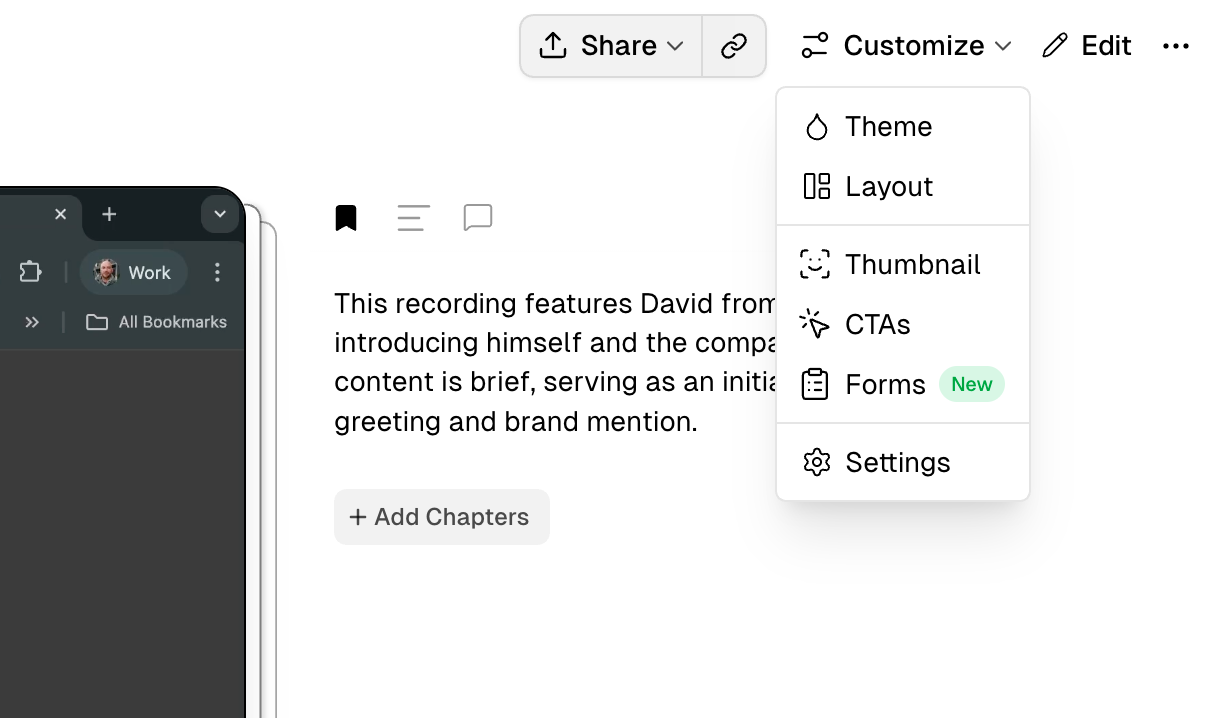
Forms.
Drop an interactive form at any point during your video. Multiple choice or Plain text responses supported.
9 April 2026
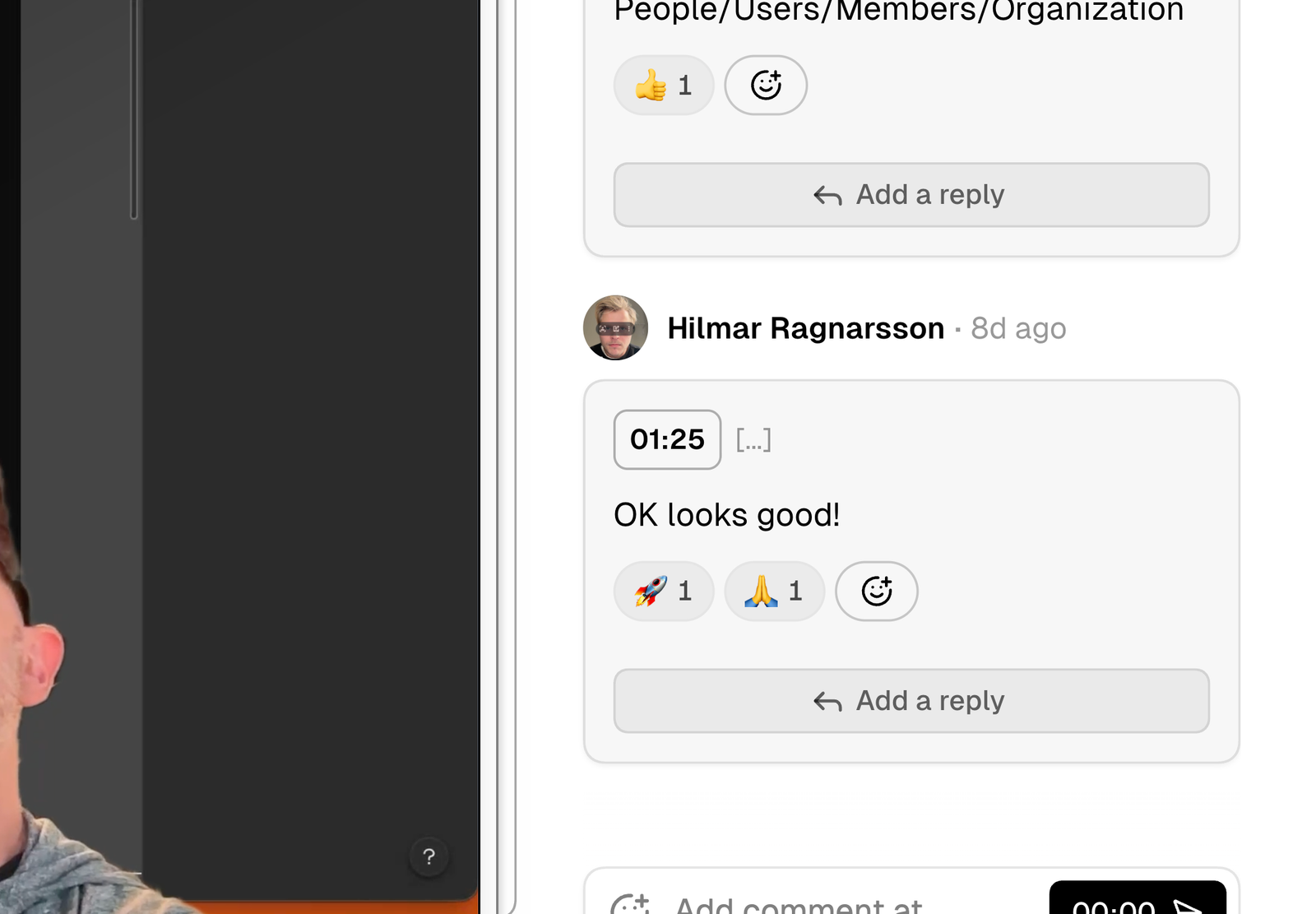
Undo / redo.
The Supercut Editor now includes undo and redo + some performance and bug fixes.
2 April 2026
The Supercut Editor (beta).
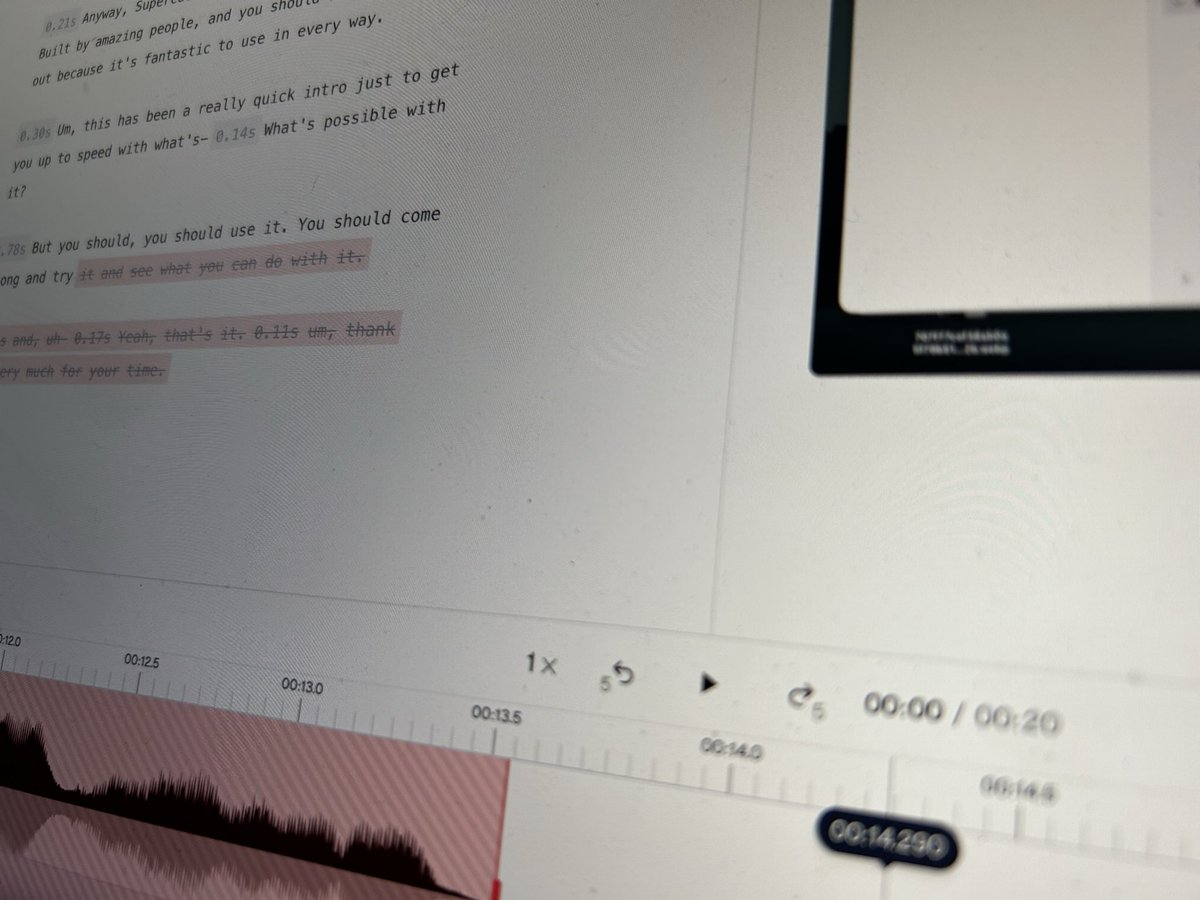
Our biggest release of the year. The Supercut editor features transcript and timeline editing. We’ve also added layout changes and** zooms**.